Home > Empowering Tips > CC vs. BCC in Your Emails: The Unseen Difference
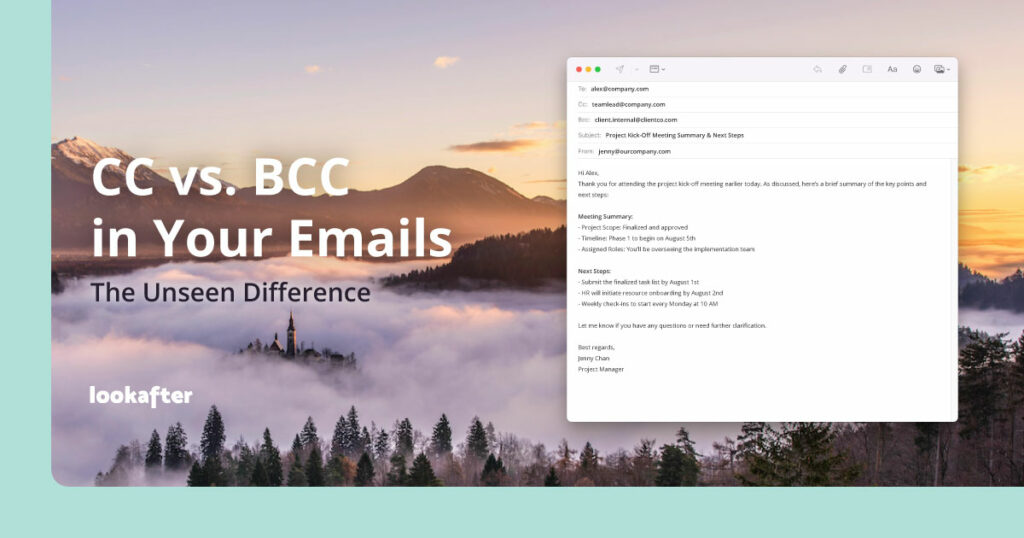
We’ve all sent emails, and we’ve all likely encountered those two enigmatic fields: “CC” and “BCC”. They sit there, quietly, offering what seems like a similar function – adding more recipients. But beneath the surface lies a crucial distinction, one that impacts privacy, etiquette, and the very flow of your communication.
Let’s pull back the curtain and explore the fascinating world of CC and BCC.
A Walk Down Memory Lane: The History of CC and BCC
To truly understand CC and BCC, we need to go back to their roots – not in the digital realm, but the analog one.
CC (Carbon Copy)
This term originated long before computers, in the days of typewriters. When you needed an exact duplicate of a document, you’d place a sheet of carbon paper between the original and a second sheet of paper. As you typed, the pressure would transfer ink from the carbon paper to the second sheet, creating a “carbon copy”.
When email emerged, the concept of “sending a copy” was directly translated. If you wanted someone to receive a copy of an email that wasn’t directly addressed to them, you’d “CC” them. It was a transparent way of keeping others in the loop.
BCC (Blind Carbon Copy)
The term “BCC” also has its origins in the pre-digital age, though its use was less common in everyday office settings. Imagine a situation where you needed to send a letter to multiple recipients, but you didn’t want each recipient to know who else received the letter. A “blind carbon copy” allowed for this. The sender would manually remove the list of other recipients from the copy before sending it out.
In the digital age, BCC perfectly replicated this “blind” functionality. It allowed senders to add recipients without revealing their email addresses to the other recipients of the email.
The Core Difference: Visibility
This brings us to the fundamental difference between CC and BCC: visibility.
CC (Carbon Copy):
- Everyone listed in the “To” field and the “CC” field can see each other’s email addresses.
- It’s a transparent way to include people who need to be aware of the conversation but are not the primary recipients.
BCC (Blind Carbon Copy):
- No one in the “To” field or the “CC” field can see the email addresses of those in the “BCC” field.
- Recipients in the “BCC” field also cannot see each other’s email addresses.
- It’s a discrete way to send an email to multiple people without revealing their identities to the other recipients.
Usage and Examples: When to Use Which
Knowing the difference is one thing; understanding when to use each is key to effective and professional communication.
When to Use CC: Transparency and Awareness
Use CC when you want all recipients to be aware of who else is receiving the email. It’s about keeping people informed and fostering open communication.
Examples:
- Keeping your manager informed: You’re emailing a client about a project update. You CC your manager so they are aware of the communication without being directly involved in the conversation.
- Team collaboration: You’re sending out meeting minutes to your team. You put the attendees in the “To” field and CC team members who couldn’t attend but need to be informed.
- Cross-departmental awareness: You’re sending an email about a new policy. You “To” the relevant department heads and “CC” other departments who might be indirectly affected or need to be aware.
- Following up on a delegated task: You asked a colleague to handle a specific task. When they email the client, they CC you so you know the task has been addressed.
When to Use BCC: Privacy and Mass Communication
Use BCC when you need to send an email to multiple recipients without revealing their email addresses to each other. This is crucial for privacy and avoiding spam.
Examples:
- Sending an announcement: You’re sending a company-wide announcement or an urgent, infrequent update to a large mailing list. Using BCC prevents everyone from seeing each other’s email addresses, protecting privacy and preventing “reply-all” storms.
- Protecting client privacy: You’re sending an email to multiple clients about a general update that applies to all of them, but you don’t want them to see each other’s contact information.
- Sending an email to a large, disparate group: You’re organizing an event and need to send a reminder to all attendees, many of whom don’t know each other.
- Discreetly informing an interested party: You’re having a conversation with someone, but you want to discreetly keep someone else informed without them being part of the primary communication thread. *Use this sparingly and with careful consideration, as it can be seen as less transparent.
Scenarios and Best Practices
Consider these scenarios and best practices to ensure you’re using CC and BCC effectively:
1. The “Reply All” Dilemma
When someone “replies all” to an email where some recipients were BCC’d, those BCC’d recipients will not receive the reply. This is a key privacy feature. However, if you are BCC’d and choose to “Reply All”, your response will go to the sender and everyone listed in the visible “To” and “CC” fields, which may unintentionally reveal that you were BCC’d.
2. Professionalism and Etiquette
- Always prioritize transparency with CC. It’s the default for keeping people informed.
- Use BCC judiciously. While it’s great for privacy, overusing it can sometimes lead to a perception of secrecy if not used appropriately.
- Never use BCC to hide information from direct recipients if that information is relevant to them.
3. Mass Mailings
For large-scale mailings (e.g., marketing emails, newsletters), dedicated email marketing platforms are often a better choice than simply BCCing everyone. These platforms offer more robust features for managing lists, tracking opens, and ensuring deliverability.
4. Avoiding Spam Filters
Sending a very large number of emails with a high number of recipients in the “To” or “CC” fields can sometimes trigger spam filters. BCC can help mitigate this, but again, dedicated mailing services are often superior for this purpose.
Conclusion
CC and BCC, though seemingly minor email features, play a significant role in how we communicate digitally. Understanding their historical roots, their core difference in visibility, and knowing when to apply each correctly empowers you to manage your email communications with greater privacy, professionalism, and efficiency. So, the next time you compose an email, take a moment to consider who needs to see what, and choose wisely between the transparent Carbon Copy and the discreet Blind Carbon Copy. Your recipients (and your inbox) will thank you for it!